Pack 2.0.7-zach.2 Based on ReSkate 2.0.7

ReSkate, set up the way Zach plays it.

One installer sets up ReSkate 2.0.7 for skate. on Windows, with seven optional mods and Zach’s own tweaks. Play offline, or online with anyone on the same pack.

  • ReSkateSetup.exe · about 37 MB · Windows only
  • Needs skate. from Steam (it’s free). The button opens Zach’s Google Drive folder.
  • Your skater, loadouts and progress stay exactly as they are.
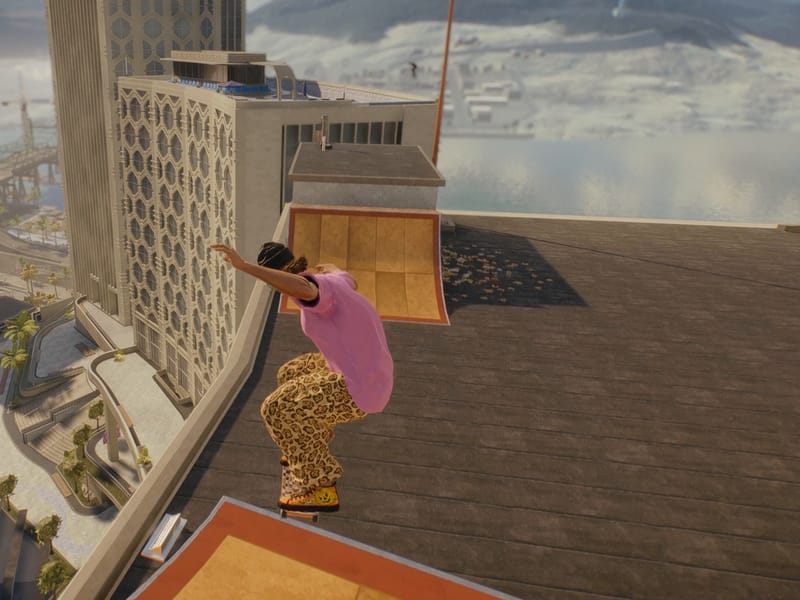
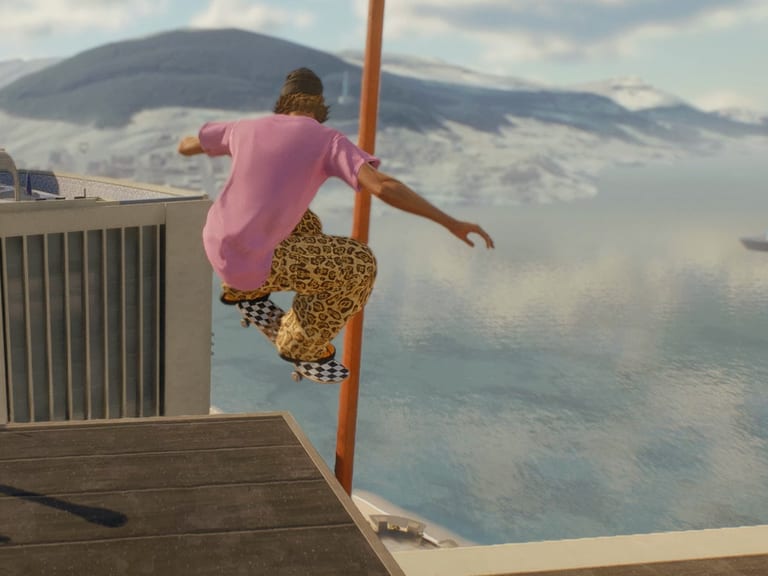
Gameplay from skate.: a skater in a pink tee launches off a tower rooftop, with the ocean and mountains behind.
Real gameplay, looped
Optional mods
7
Three maps, three deck packs and a skater.
To download
2.7GB
If you take all seven. Skip any you like.
The installer
37MB
ReSkateSetup.exe, Windows only.
Steps
4
Check-up, choose, install, play.

01What you get

What Zach added on top of ReSkate

ReSkate is the open-source runtime that lets skate. run offline and in multiplayer. Zach’s pack adds his build, his settings and a tool for your looks.

Zach’s build

Waypoint teleport

Open the pause map, drop a waypoint, then press X or Square. You land right on the ground there.

  1. Pause, open the map
  2. Drop a waypoint
  3. Press X / Square
  4. Land on the ground

Also in the ReSkate menu: PRACTICE > TELEPORT
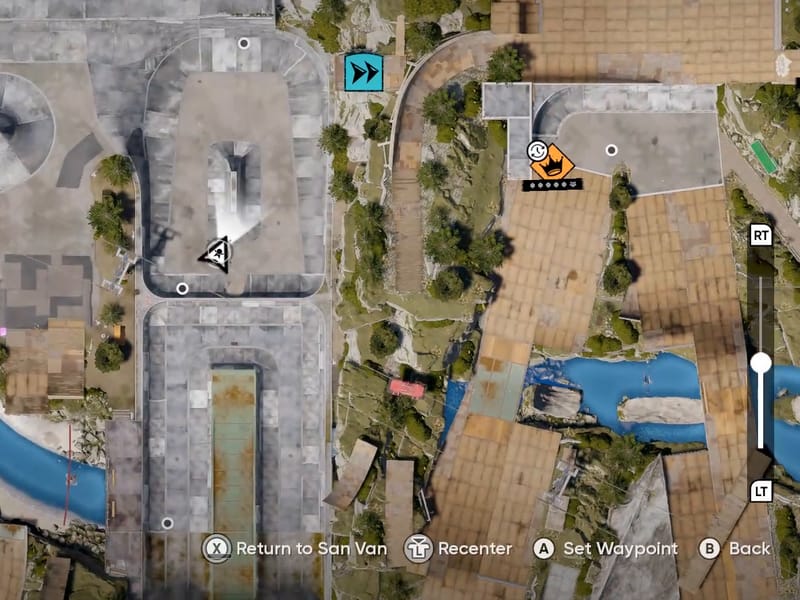
The pause map in skate., with the skater’s arrow and the “Set Waypoint” button along the bottom.
Real pause map from skate. The dotted path and the button chips are added to show the idea.
Zach’s build

Everything unlocked

Every item in the catalogue, store and premium pass. Not your thing? Switch it off in game under PROGRESS > PROFILE.

Try the switch. In game it lives in PROGRESS > PROFILE.

A skater rides up a rooftop ramp high above the city and the sea.
Trainer settings

Fall-through guard

Part of Zach’s trainer settings: a fall-through guard, so you can’t fall out of the world.

New tool

ReSkate Loadouts

A small tool to back up, save and swap your skater’s looks between slots. Close skate. first, because the game rewrites your profile while it runs.

  • Back up
  • Save
  • Swap

Backups and saved designs go to Documents\ReSkate Loadouts

Close-up of a skater in a black beanie, teal goggles and a pink tee.
On your desktop

Desktop shortcuts

Play ReSkate, Play ReSkate (Offline) and ReSkate Loadouts, ready to double-click.

02Maps & decks

Seven mods. Every one optional.

Three maps, three deck packs and a skater. They download from Thunderstore while you install, about 2.7 GB if you take all seven. Untick any you don’t want in setup.

Plan your download

2.67GB

7 of 7 mods selected

Tick or untick below to see the size. The real choice happens in setup.

Maps3

Decks3

Skater1

Sizes are the download sizes in decimal units. Setup may show them a little smaller.

03Install

Four steps from download to dropping in

ReSkateSetup.exe does the heavy lifting. You click through four screens.

Before you start

  1. Install skate. from Steam (it’s free) and start it once.
  2. Close skate. and Steam’s game window.
  3. Have about 6 GB free on the drive skate. is on, for the mods and cache.

Windows will probably warn you. Here’s why.

When you open ReSkateSetup.exe, Windows may say Windows protected your PC. It does that for any program that isn’t signed with a paid certificate, and this installer isn’t. If you got the file from Zach’s folder, click More info, then Run anyway. If you got it anywhere else, don’t run it.

  1. Check-up

    Setup finds skate. by itself. It also lists old ReSkate files, old downloads and anything else that could get in the way, each with Show, Move aside and Recycle buttons. Cleaning up is optional, and nothing is ever deleted for good.

  2. Choose

    Pick your mods and options, then press Install. You can untick any of the seven mods.

  3. Install

    Setup installs ReSkate, the mods you picked, Zach’s tools and settings, and the shortcuts. The mods are the big part, about 2.7 GB if you took all seven. Wait for the downloads to finish.

  4. Play

    Press Play ReSkate. The first start takes a while: ReSkate merges the mods behind a Preparing mods screen. After that it starts at normal speed.

    If the launcher says Steam updated Skate, sign in with Steam there. It only downloads the files that changed.

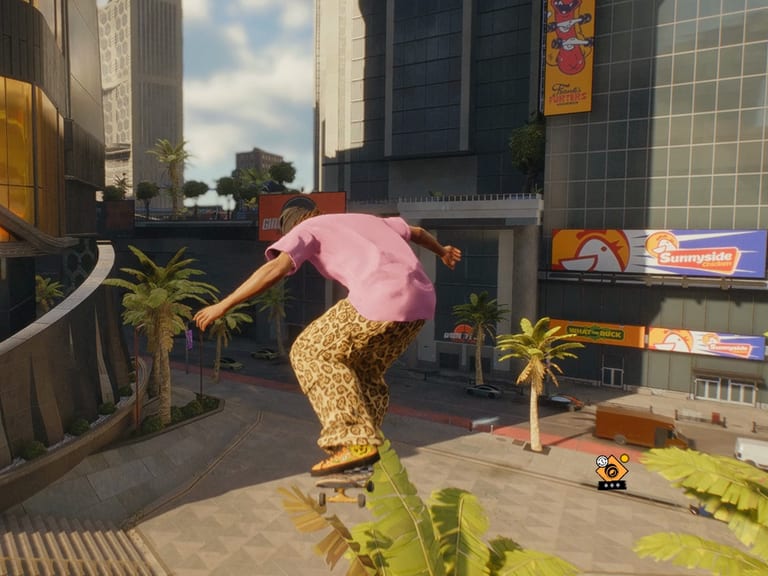
    Gameplay from skate.: a skater in a pink tee ollies off a wooden ramp past palm trees in a sunny plaza.
    Then this

The setup windows above are simplified drawings of the real screens, not screenshots.

04In game

Three controls to know

That’s all you need once you’re in. Try them: press the keys on your keyboard.

  • Insert

    ReSkate menu

    Press Insert to open the ReSkate menu.

  • ~

    Console

    Press ~ to open the console.

  • Pause map Waypoint X Square

    Teleport

    Pause, open the map and put down a waypoint. Then press X or Square and you land on the ground there. It’s also under PRACTICE > TELEPORT in the ReSkate menu.

05Safe by design

Nothing is deleted for good

Setup keeps copies of your original files. Uninstall puts them back, byte for byte.

Your skate. todayYour files, with or without ReSkate
With Zach’s packOriginals copied to ReSkate\Pack
Back to how it wasRestored byte for byte

An illustration. The two outer squares are identical on purpose.

  • Originals are kept

    Setup keeps copies of your original files, and anything you move aside, in %LOCALAPPDATA%\ReSkate\Pack.

  • Uninstall restores them

    It puts back whatever you had before (no ReSkate, or your old ReSkate), byte for byte.

  • Your own mods stay

    Uninstall removes only the mods the pack added, and keeps any mods of your own.

  • Your profile is yours

    There’s an optional “delete my profile too” box. It backs your profile up to Documents\ReSkate Backups first.

  • Updates come to you

    ReSkate’s own updater is off so it can’t swap Zach’s build for the plain one. Instead, when Zach puts out a new pack, the Play shortcuts ask “Update now?” before the game starts. Only what changed downloads.

  • skate. stays in Steam

    Uninstalling the pack doesn’t remove the game itself.

How to uninstall

  1. Settings
  2. Apps
  3. Installed apps
  4. ReSkate (Zach’s pack)
  5. Uninstall

Remove it like any other Windows app. Or run ReSkateSetup.exe again and press Uninstall.

Where things are (click to copy)

  • Game and ReSkate
  • Mods
  • Your profile
  • Your originals
  • Crash logs

06FAQ

Questions, answered

Straight from Zach’s README.

Still stuck?

Send Zach this file and he can see what went wrong.

Before you install

Do I need skate. first?

Yes. Install skate. from Steam (it’s free) and start it once. Then close skate. and Steam’s game window before you run setup. Keep about 6 GB free on the drive skate. is on.

Windows says “Windows protected your PC”. Is that OK?

Windows shows that for any program that isn’t signed with a paid certificate, and ReSkateSetup.exe isn’t. If the file came from Zach’s folder, click More info, then Run anyway. If it came from anywhere else, don’t run it.

How big is the download?

The installer is about 37 MB. The mods download while you install: about 2.7 GB if you take all seven, less if you untick some. The two biggest are the South Florida and Skate 2 maps.

Does it touch my skater, loadouts or progress?

No. They’re left exactly as they are. Close skate. before you use ReSkate Loadouts, because the game rewrites your profile while it runs.

Does it work on Mac or Linux?

No. ReSkateSetup.exe is Windows only.

If something’s off

The first start is really slow

That’s normal. ReSkate merges the mods behind a “Preparing mods” screen the first time. After that it starts at normal speed.

The launcher says “Steam updated Skate”

Sign in with Steam in the launcher. It only downloads the files that changed.

The game won’t start or crashes on launch

Run setup again. The check-up flags things like ReShade or old mod-loader files that can block ReSkate. Press Move aside on them.

Mods look wrong, or it’s stuck on “Preparing mods”

In setup’s check-up, press Clear on “Merged mod cache”.

Playing and updating

Can we play online together?

Yes, if everyone has this same pack. ReSkate only matches players on the same version, and this one is 2.0.7-zach.2.

How do I update?

You don’t have to do anything. When Zach puts out a new pack, the Play ReSkate shortcuts ask “Update now?” before the game starts: say yes and only what changed downloads, then the game starts. (ReSkate’s own auto-update stays off, so it can’t swap Zach’s build for the plain one.) On pack 2.0.7-zach.1 or older? Run the new ReSkateSetup.exe from the folder once, and from then on updates come to you.

How do I uninstall it?

Windows Settings > Apps > Installed apps > “ReSkate (Zach’s pack)” > Uninstall. Or run ReSkateSetup.exe again and press Uninstall. It puts back what you had before and keeps your own mods. skate. itself stays installed in Steam.

Is this official?

No. Zach’s ReSkate is a personal install pack. ReSkate is made by Dingo Shenanigans and is open source. skate. is by EA / Full Circle, and this pack isn’t affiliated with them.

Pack 2.0.7-zach.2

Get the pack.

Everything is in Zach’s Google Drive folder. Download ReSkateSetup.exe, run it, and you’re four steps from skating.

Download for Windows

Windows only · opens Google Drive

  • ReSkateSetup.exeabout 37 MB
  • README.txt
  • Setup guide (PDF)
  • The icon